๐Ÿš€ ExoDeck is coming soon to Google Play โ€” stay tuned!

One Android. Every Input. Zero Install.

ExoDeck connects your Android to any PC, Mac, or Linux machine via Bluetooth โ€” no software required on the host. Full keyboard, precision trackpad, 24-slot macro deck, AI dictation, precision stylus, and OCR camera. Works on corporate laptops, home studios, and Raspberry Pis alike.
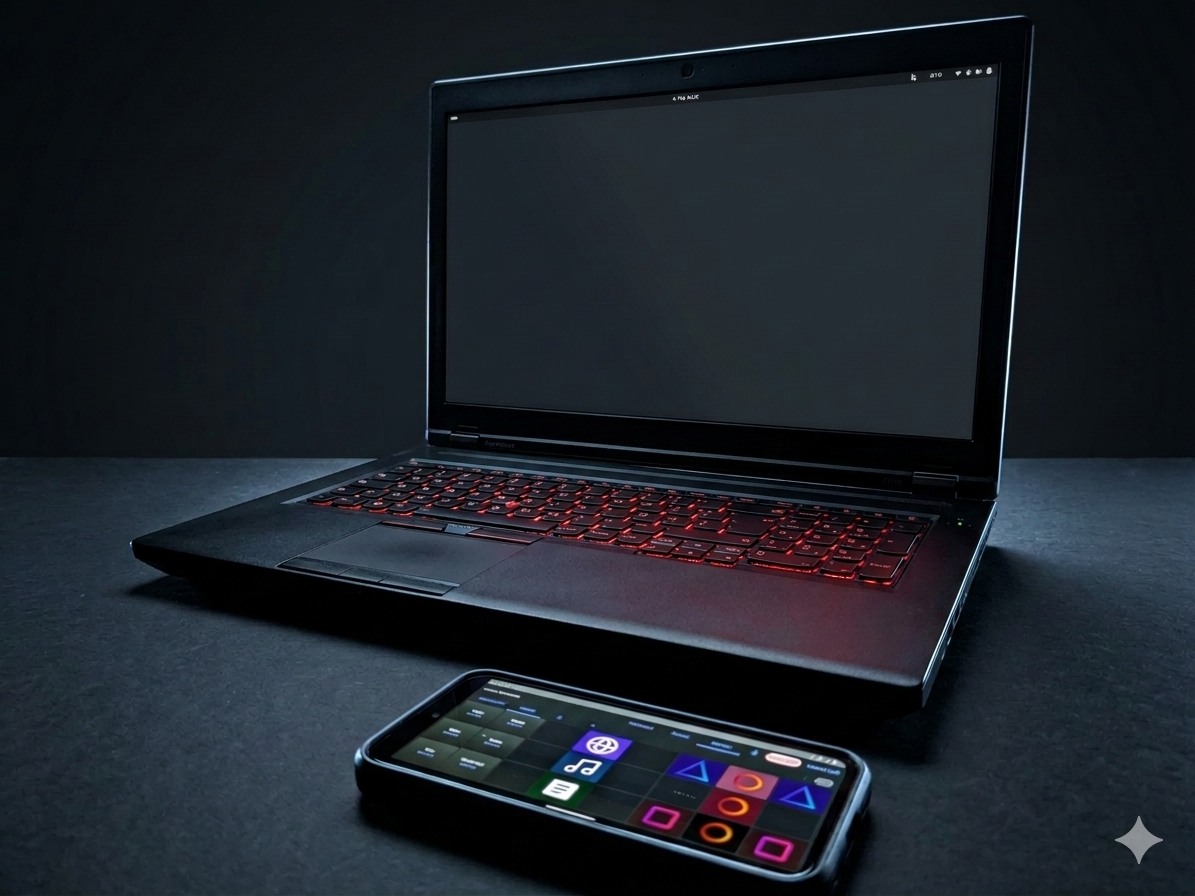
ExoDeck App on a smartphone next to a keyboard
โœ…
Macro Deck Compare to $15 apps
โœ…
Graphics Tablet Compare to $10 apps
โœ…
AI Dictation & OCR Compare to $15 apps
โœ…
Privacy-First Input Priceless

All of this โ€” one-time purchase, no subscriptions.

The "Everywhere" Macro Deck

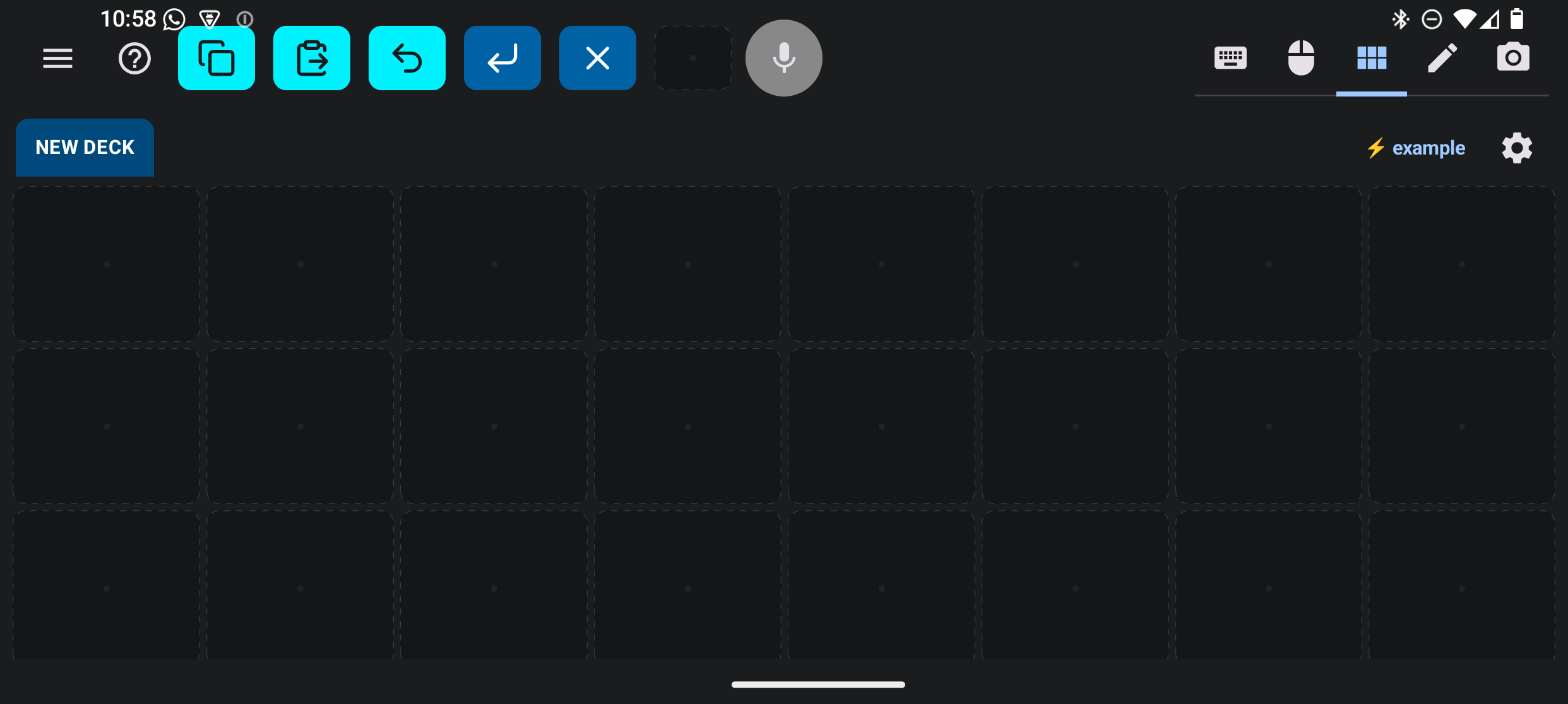
For professionals and power users. A fully customizable 24-slot control surface that travels with you. Zero Hardware Bloat. Supports the full standard keyboard command set (Media, App Controls, F1-F24). Auto-reconnects on wake, and any tile can be launched directly from your Android home screen widget.

Explore official Deck Packs โ†“
ExoDeck Macro Mode

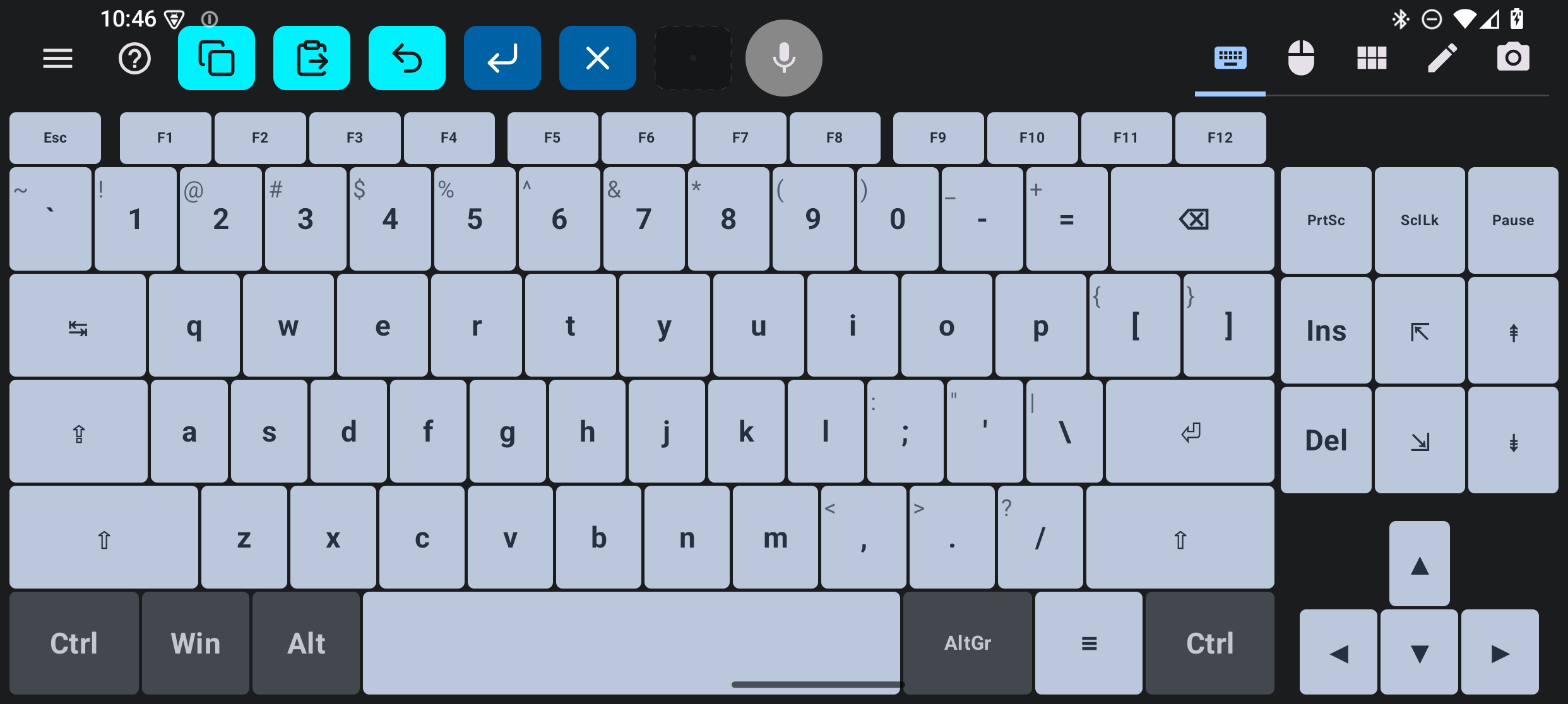
The Universal Keyboard

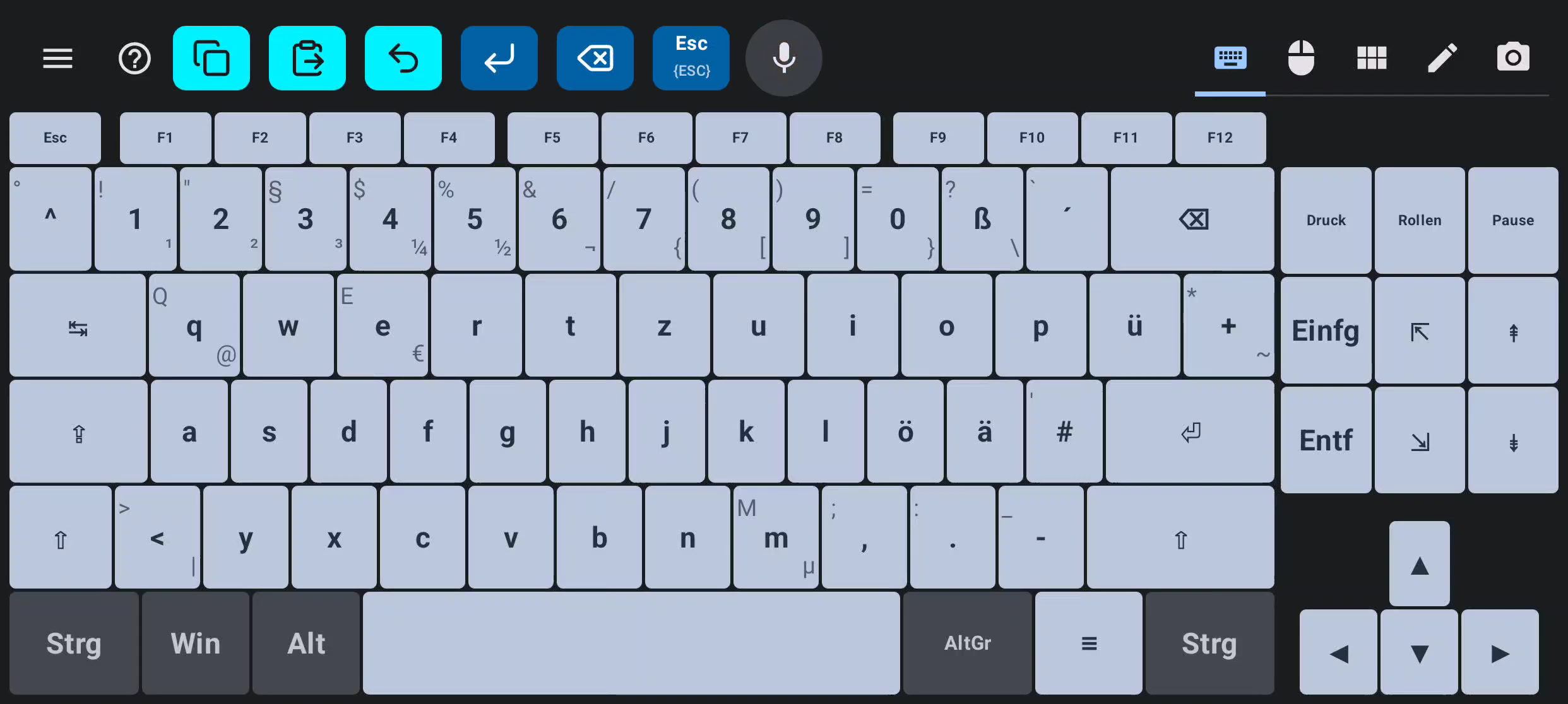
ExoDeck connects via Bluetooth to any device โ€” SBCs, media centers, computers, and Android tablets. Full keyboard with multiple layouts, function keys, and configurable typing speed.

ExoDeck Keyboard Mode

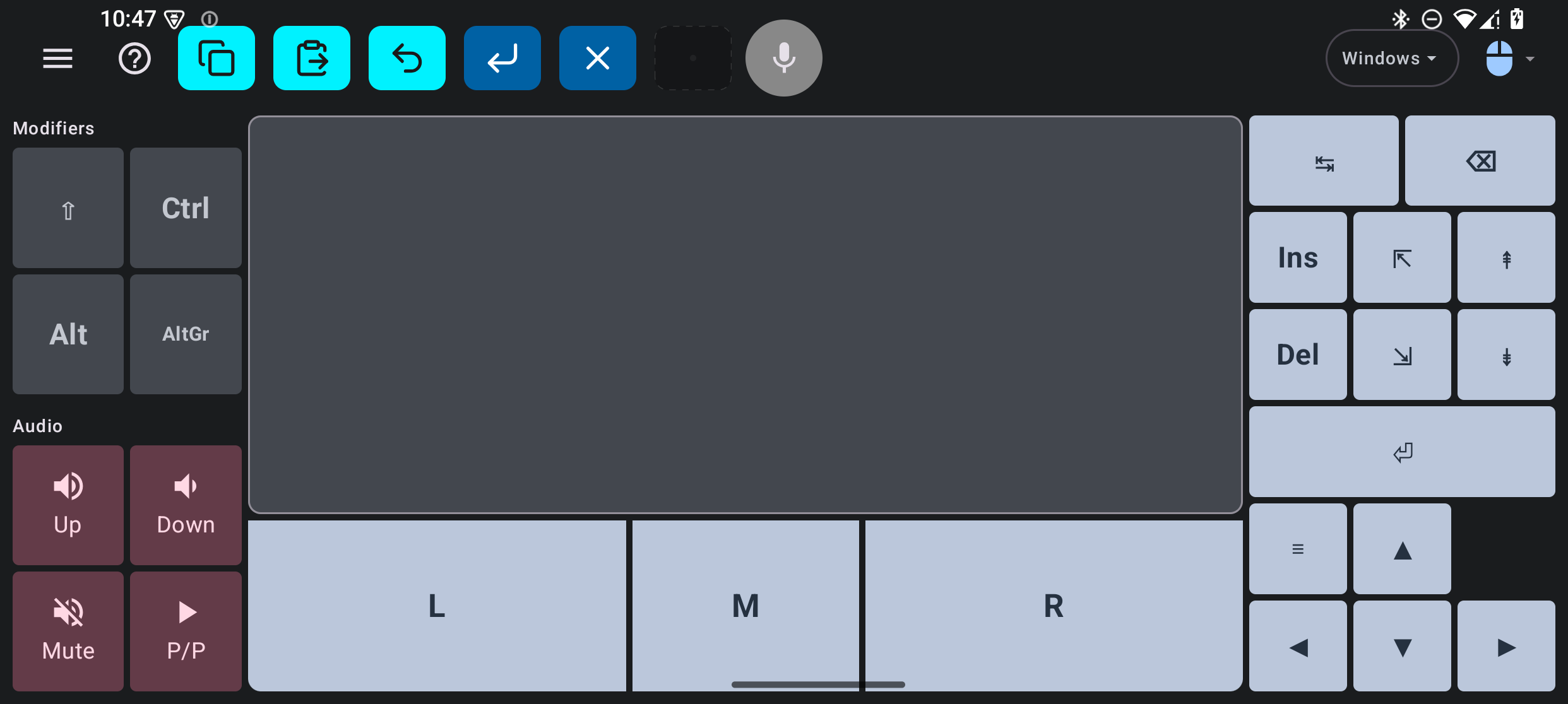
The Universal Trackpad

Tap to click, two-finger scroll, and right-click โ€” your full trackpad, no extra hardware needed. Two-finger gestures for scrolling and context menus, with dedicated mouse buttons always in reach.

ExoDeck Trackpad Mode

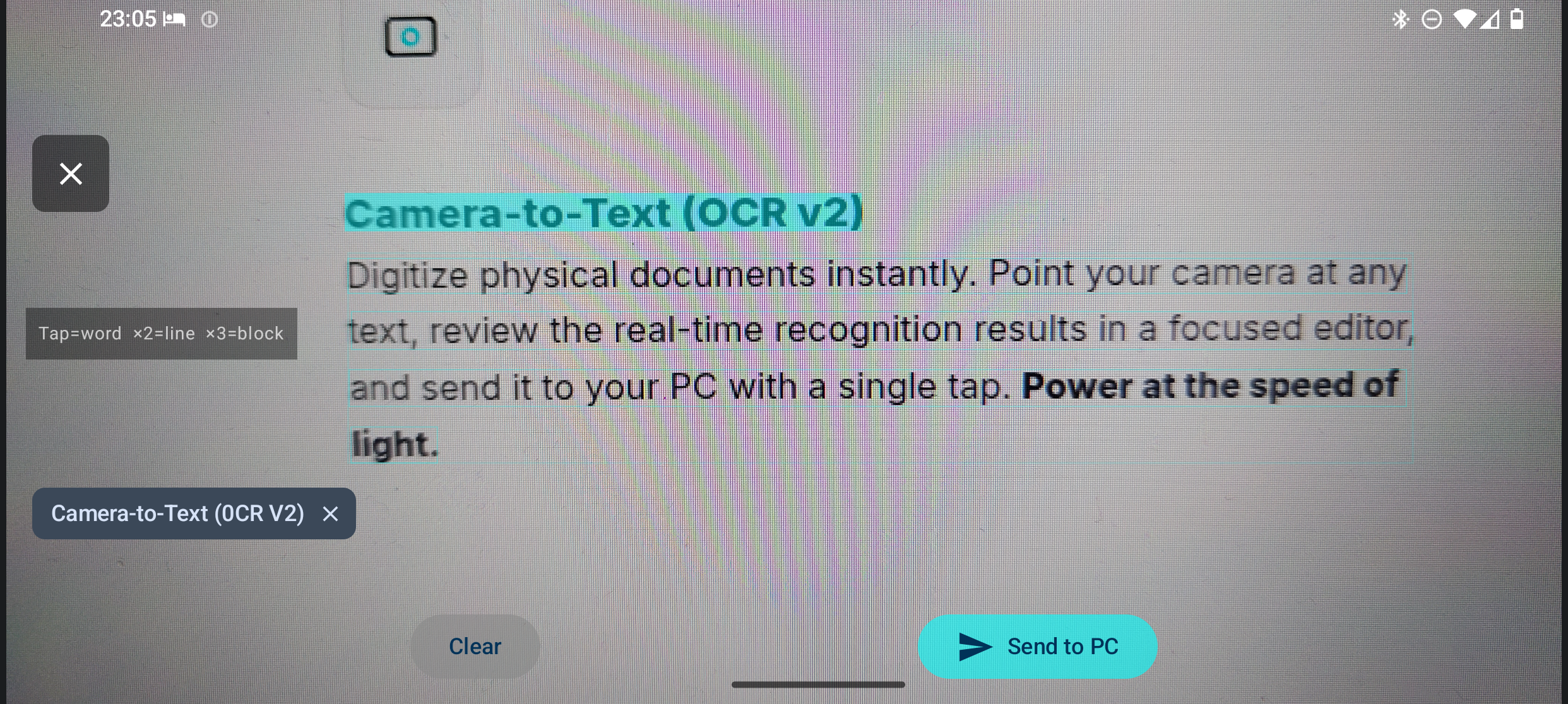
Scan Any Text, Type It Instantly

Digitize physical documents in seconds. Point your camera at any text, review the recognition results in a focused editor, and send it to your PC with a single tap.

ExoDeck Camera-to-Text

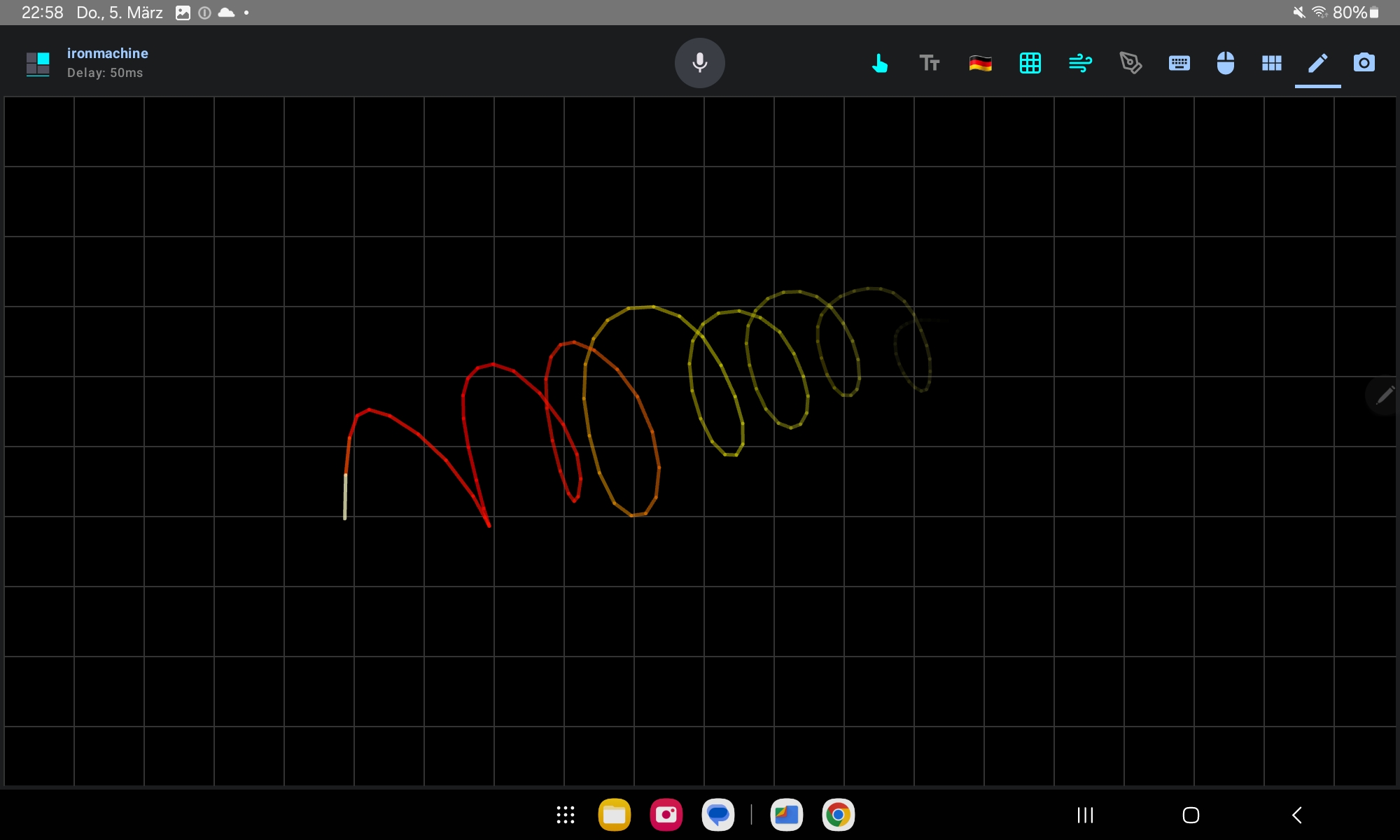
Graphical Tablet & Precision Stylus

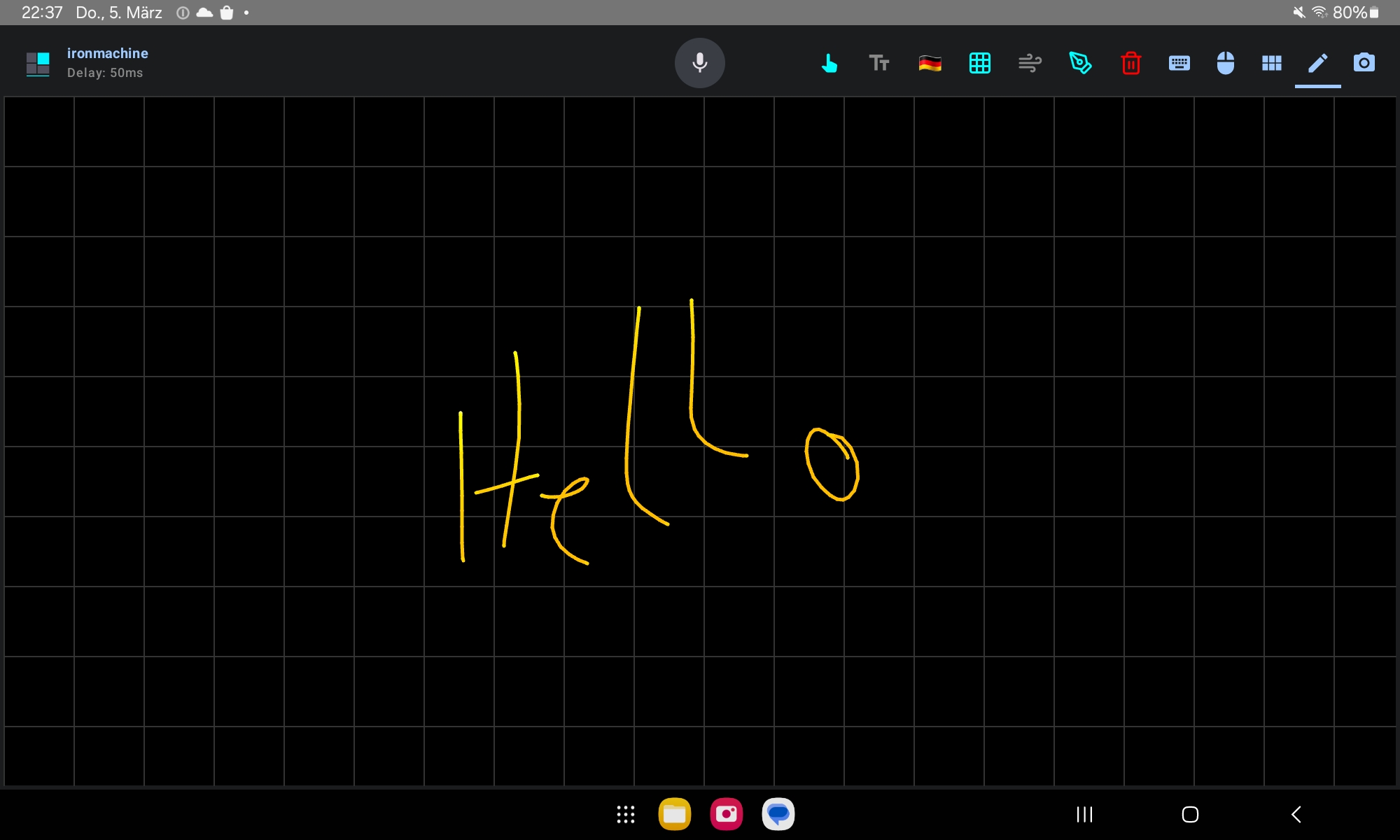
Transform your Android device into a professional-grade graphics tablet. ExoDeck maps your S-Pen's 4096 levels of pressure sensitivity directly to your PC, allowing for nuanced strokes and artistic control in creative applications like Photoshop, Krita, and Blender.

  • โœจ Pressure Sensitive: Vary stroke weight and brush opacity naturally.
  • ๐ŸŽฏ Absolute Positioning: 1:1 screen mapping for precise cursor control.
  • ๐Ÿ–Š๏ธ Hover Support: See your cursor before you touch the screen.
Hardware Note: Pro Digitizer requires an active stylus (e.g., S-Pen, USI 2.0).
ExoDeck Graphical Tablet Mode

AI Speech Recognition

Bridge the desktop dictation gap. Dictate emails, code comments, or documentation directly to your computer using your mobile's secure, local AI engine. Available in all modes: send text conveniently without leaving your current control surface.

Privacy Pro Tip: By default, speech recognition may send audio to Google's or Samsung's servers. Download offline speech packs in Android Settings to keep recognition entirely on-device.
ExoDeck AI Speech Recognition

Intelligent Handwriting Gestures

Rewrite the rules of input. ExoDeck understands natural gestures while you write. Scribble to Backspace when you make a mistake, or Circle to Caps to instantly toggle emphasis. It's handwriting with a professional edge.

ExoDeck Handwriting Gestures

How It Works Under the Hood

Bluetooth Icon

Pure HID. No Server. No Risk.

ExoDeck operates at the Bluetooth HID stack level โ€” the same standard your wireless keyboard uses. It requires no software installation on the host and opens no network ports. Strict one-way data flow: the app can only send input, it cannot read your screen, clipboard, or files.

Cross-Platform by Design

Works with any taget device that supports Bluetooth HID: Windows 10/11, macOS, Linux, Android, Steam Deck™, Ubuntu Touch, and Google TV. Pairs like any Bluetooth keyboard โ€” nothing to install, no firewall rules, no IP configuration.

Ready to Upgrade Your Workflow?

Get the complete ExoDeck Suite. One-time purchase. No subscriptions. No ads.

Introductory launch pricing โ€” available on Google Play at launch.

$40+ in tools. One-time purchase โ€” no subscriptions, no upsells.

๐Ÿ›ก๏ธ No Account Required
๐Ÿ“ถ Offline Ready
๐Ÿ“ฆ Portable .EDZ Format
Download on Google Play

ExoDeck Essentials

Get started immediately with our curated collection of professional control surfaces. Optimized for performance and readability on any device.

Operating System

๐Ÿง Linux (Gnome)

Native control for Gnome desktop. Workspaces, terminal, and system shortcuts.

Get Deck โฌ‡๏ธ
Operating System

๐ŸชŸ Windows

Master Windows 10/11 with one-tap window snapping, virtual desktops, and clipboard history.

Get Deck โฌ‡๏ธ
Mobile

๐Ÿค– Android

Control your tablet or phone. Media, volume, home, and quick settings.

Get Deck โฌ‡๏ธ
Universal

Standard Command Deck

The ultimate editing pad. Access all standard controls: Media, App Controls, F-Keys, and Navigation.

Get Deck โฌ‡๏ธ